Your public profile
Show off finished models on your own page, and keep the half-primed ones hidden.
Your public profile is your own gallery at my.hobbydouble.com/your-handle. It shows only the projects you choose to publish, and only the models far enough along to be worth showing. Nothing goes on it until you say so.
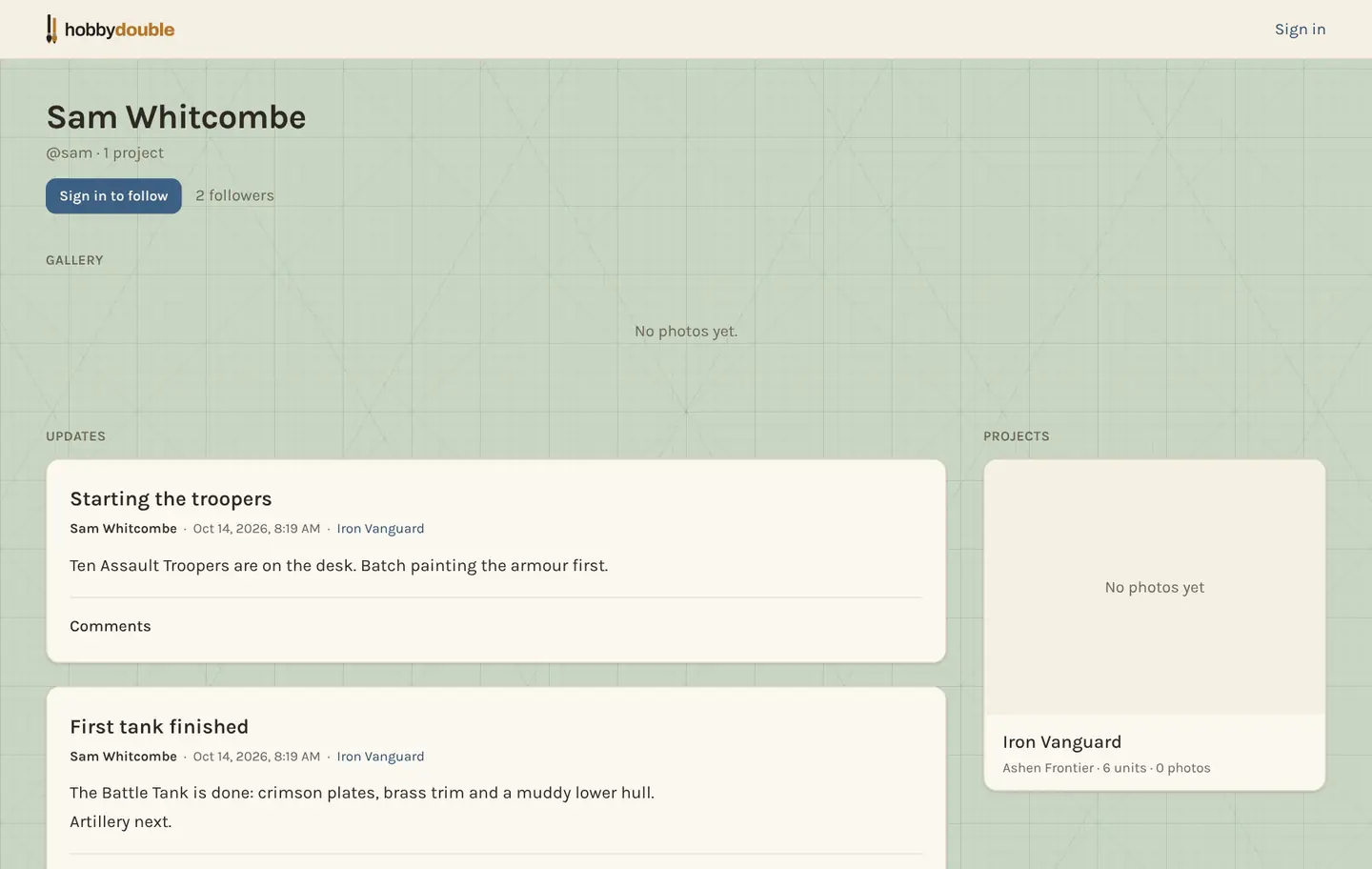
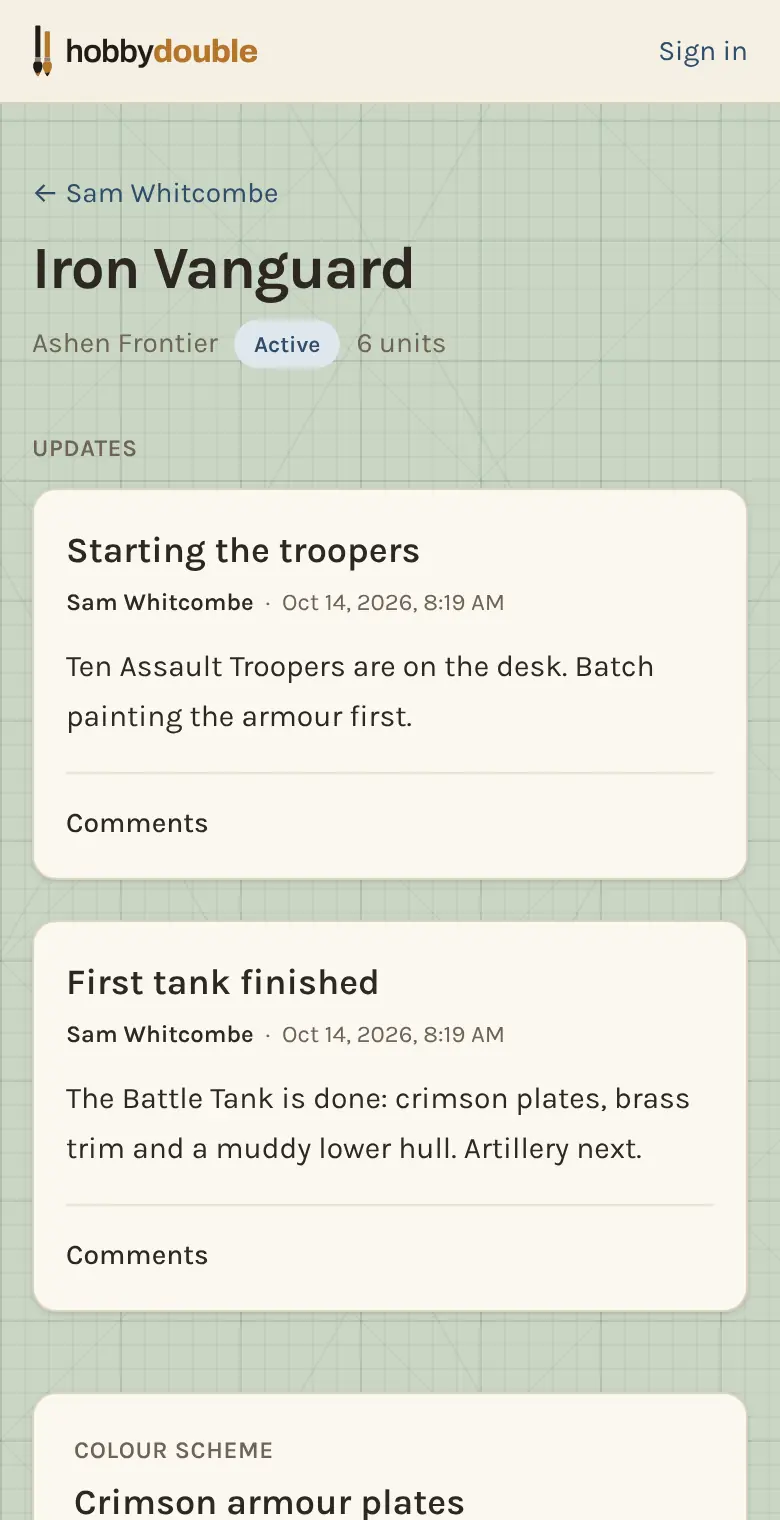
Pick your handle
Go to Account and set a Profile handle: 3 to 30 letters, numbers, hyphens or underscores. That is the address of your page.
Publish a project
- Open the project, choose the Settings tab and find Public profile.
- Under Who can see this project, choose Everyone (open to the web) or Followers only (people signed in who follow you). Private takes it off again.
- Choose Show units from this stage on. Units below that stage stay off the page, so half-built squads are not shown before they are ready.
- Choose whether to include the project's theme and each unit's paint steps. The section tells you how many units will show.
- Press View the public page to check how it looks.
Keep one unit off the page
Once a project is published, each unit on its Units tab shows Public, Pending (not at the chosen stage yet) or Hidden. Tap that word to hide a unit, or show it again.
Prices, stock levels, storage spots and notes are never published, whatever you choose here.
Clubs
Share with my clubs is a separate switch. It shows the project on the pages of the clubs you belong to, whether or not it is on your public profile. See Clubs.
Screenshots show a sample account. Every name in them, from units and factions to paint brands and shops, is made up for these guides.