Sharing a project
Paint an army with a friend, or let your gaming group see how it is going.
Splitting an army with a friend, or painting a shared terrain board for the club? Invite them to the project and it shows in their own Projects list, with every model, recipe and photo in it.
Invite someone
- Open the project and choose the Settings tab.
- Under Sharing, type their email address and pick a role.
- Press Send invite. They get an email with a link to join. If the email does not arrive, you can copy the link and send it yourself.
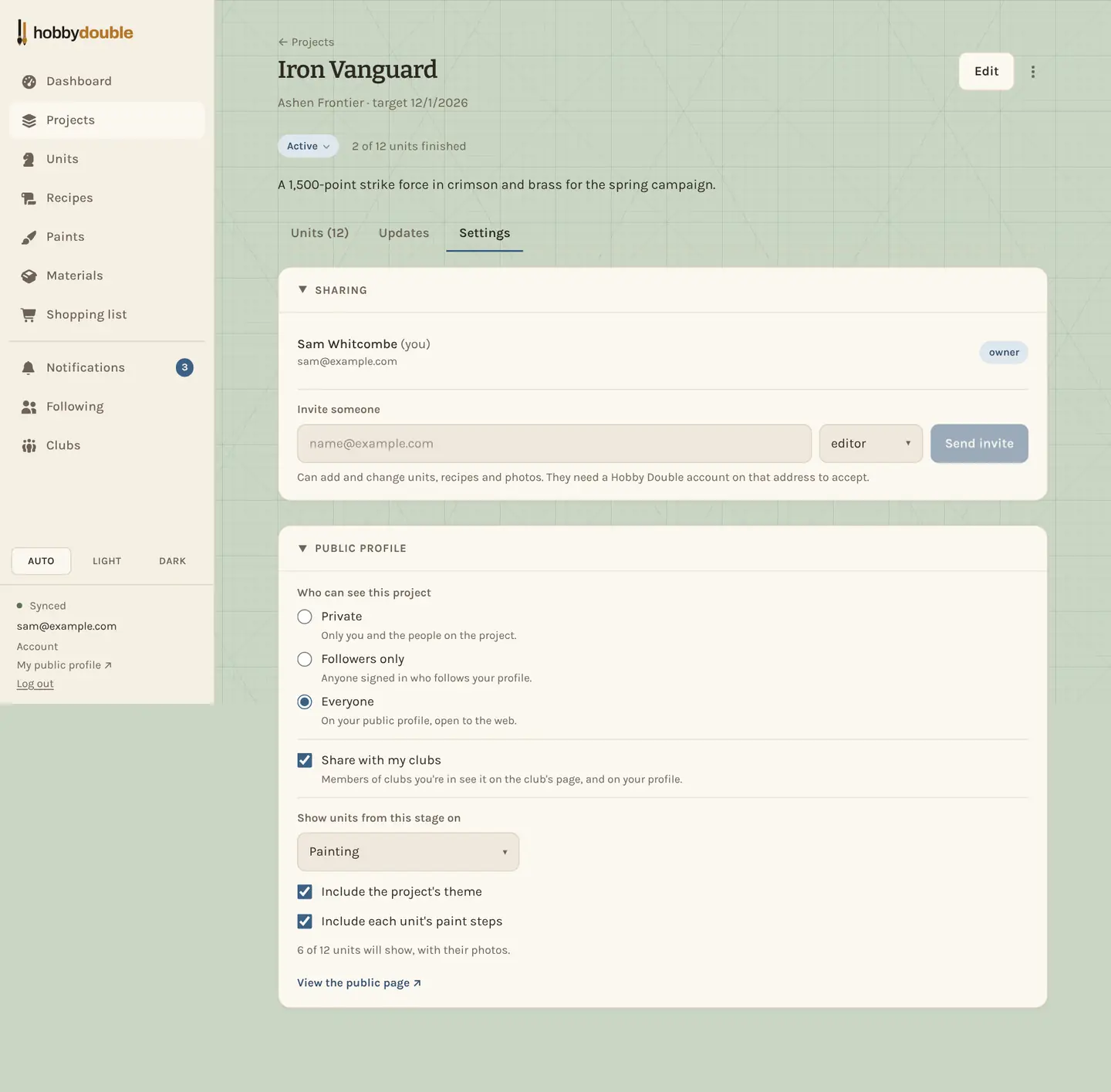
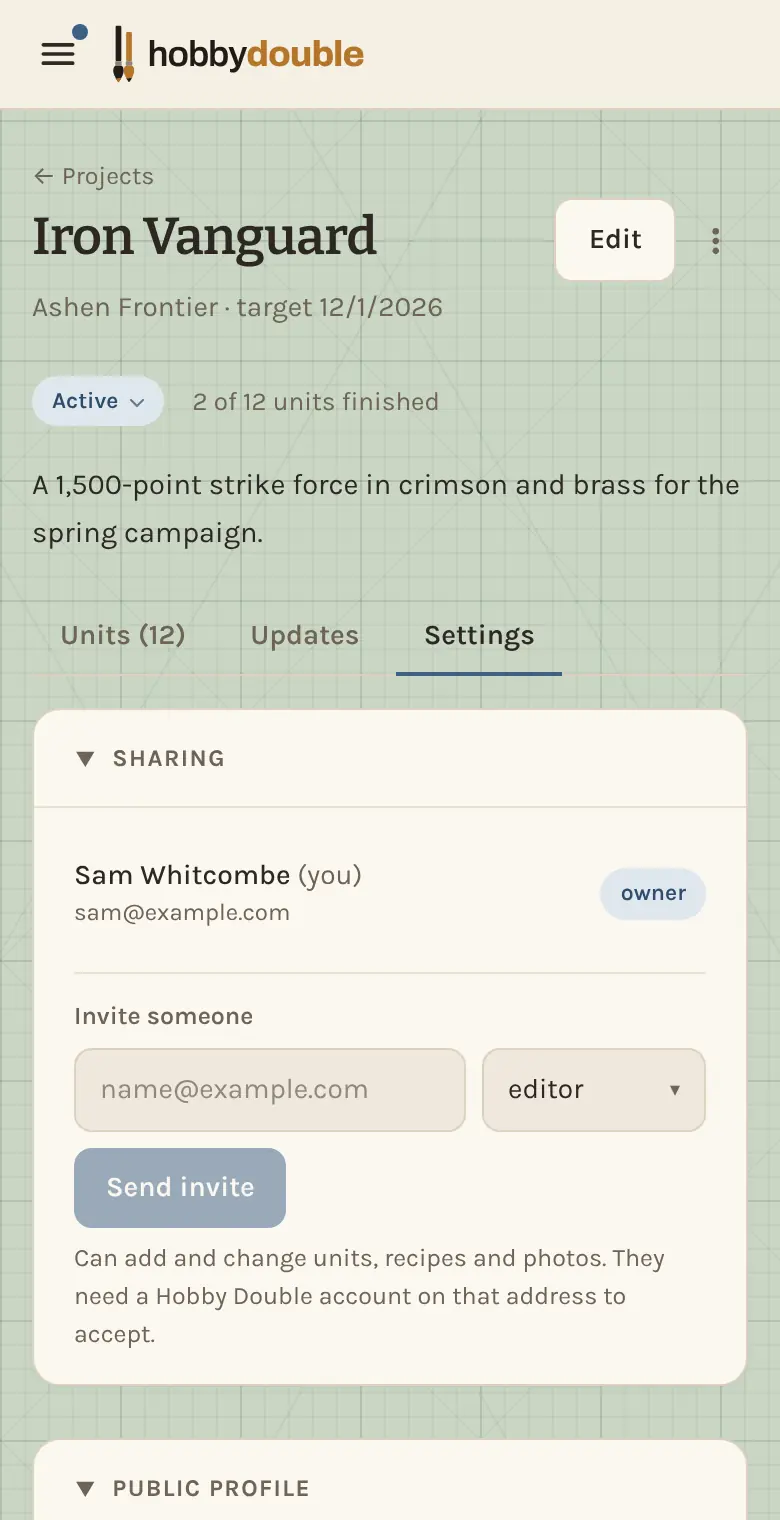
Roles
| Role | Can |
|---|---|
| Owner | Everything, including inviting people, changing roles and deleting the project. There is one owner: whoever created it. |
| Editor | Add and change units, recipes and photos. |
| Viewer | Look, but not change anything. |
The person you invite needs a Hobby Double account on the address the invitation was sent to. The owner can change a role or remove someone at any time from the same section.
Screenshots show a sample account. Every name in them, from units and factions to paint brands and shops, is made up for these guides.