Project updates
Share work-in-progress photos and notes on a project, like a painting log.
Updates are your painting log: a few lines and some work-in-progress photos about what you finished, what you tried and what is next on the desk. If the project is published they show on its page, and the people following you hear about them.
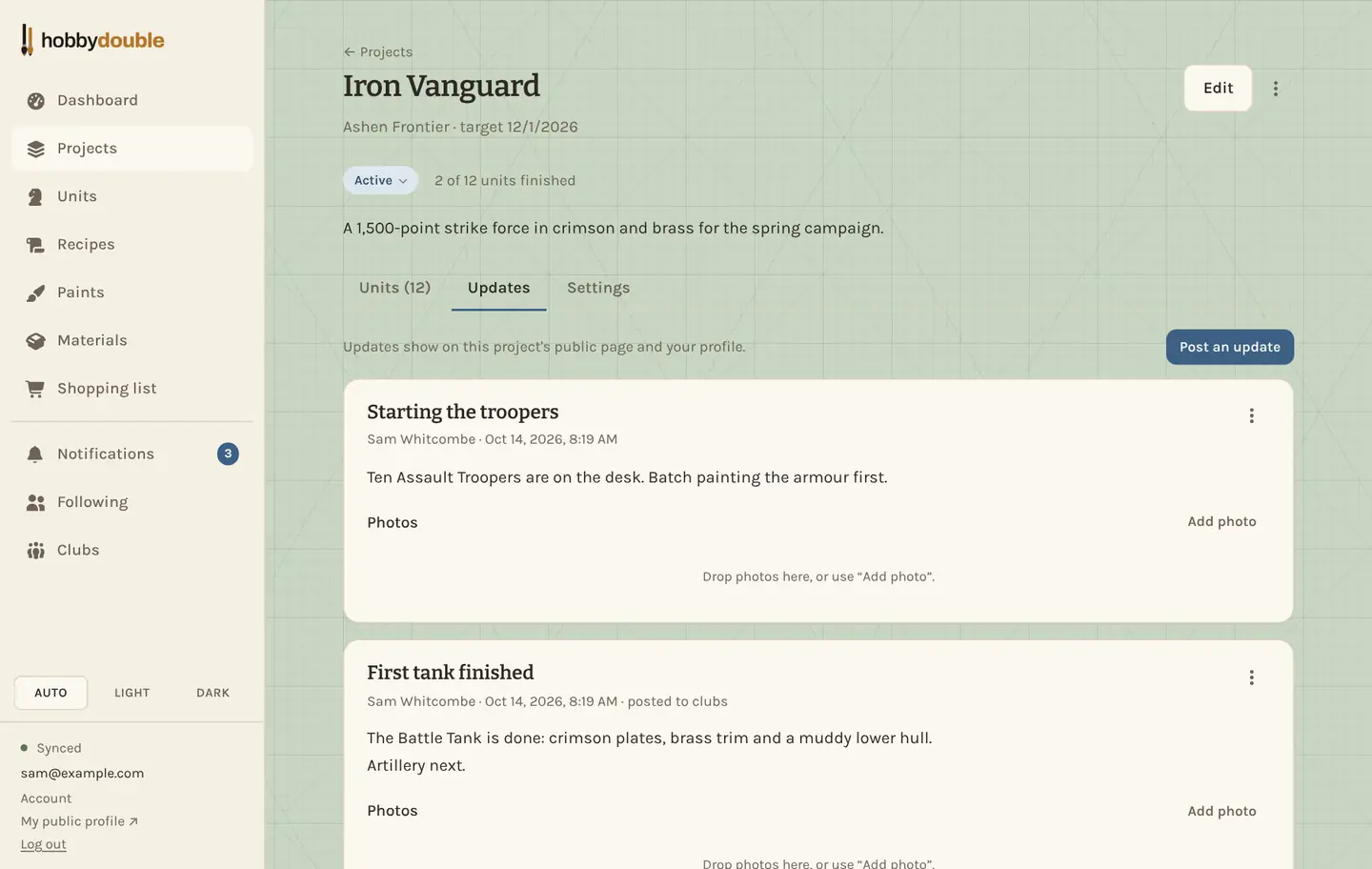
Post an update
- Open the project and choose the Updates tab.
- Press Post an update. Give it a title and write what is new.
- Add photos if you like. They upload once the update is posted, so you can post from a phone with a weak signal.
- If the project is shared with your clubs, tick Post to my clubs' pages to show it there too.
Only the person who wrote an update can edit or delete it, from its ⋮ menu.
Who sees an update
An update is seen by the same people as its project: the people you share the project with and, if the project is on your public profile, whoever can see it there. People following you get a notification when you post one.
Screenshots show a sample account. Every name in them, from units and factions to paint brands and shops, is made up for these guides.