Following, comments and notifications
Keep up with painters you like, ask how they did that weathering, and hear back.
Follow a painter
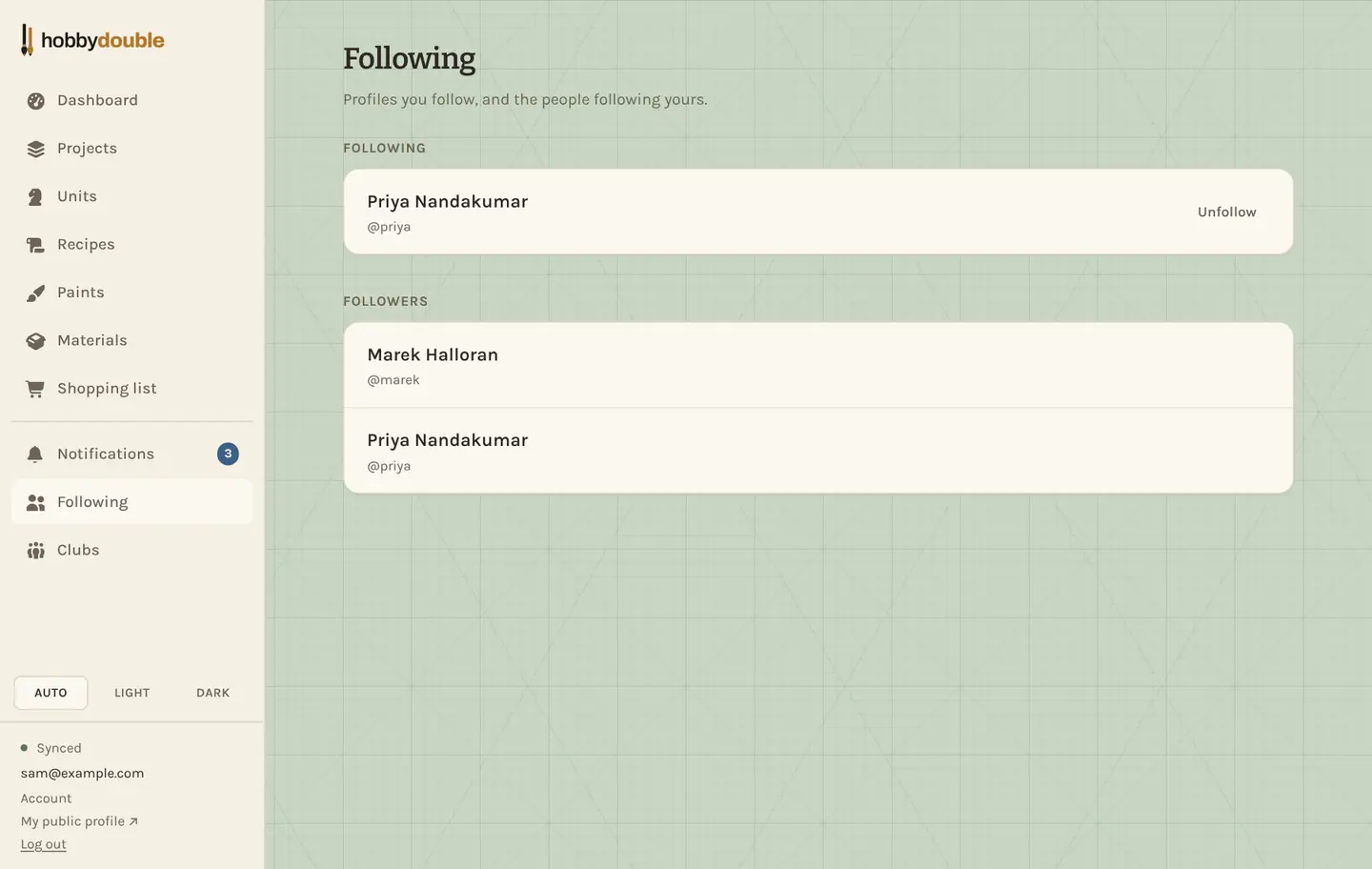
Press Follow on anyone's public profile. Following is one-way and needs no approval; it lets you see the projects they publish to their followers, and tells you when they post something new. The Following page lists the people you follow and the people following you.
Comment on a project
A published project has a comment thread for the project, one under each update, and one under each unit. You can comment if you follow the owner or share a club with them; owners can always answer on their own page.
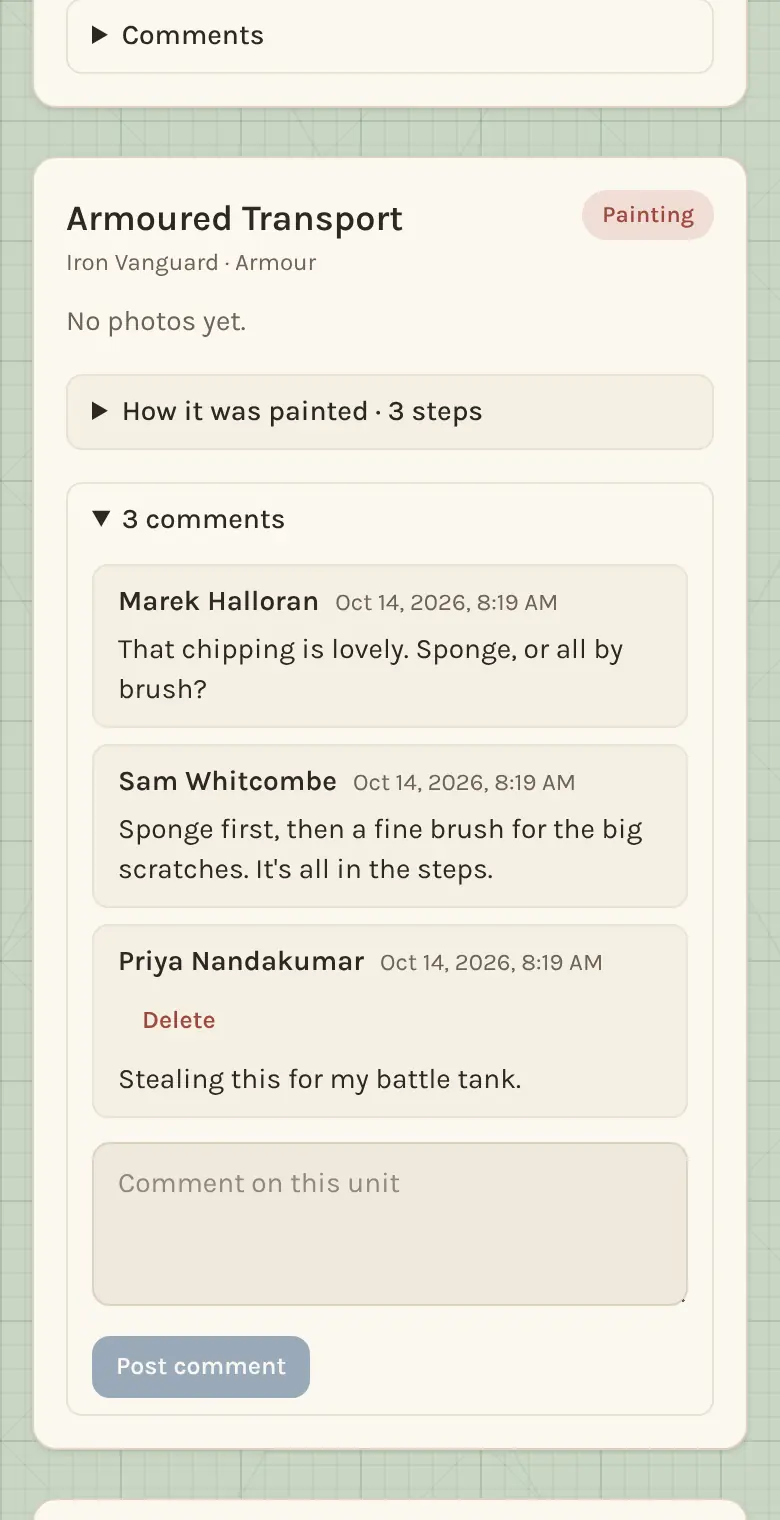
You can delete your own comments. The project's owner can take down any comment on their project.
Notifications
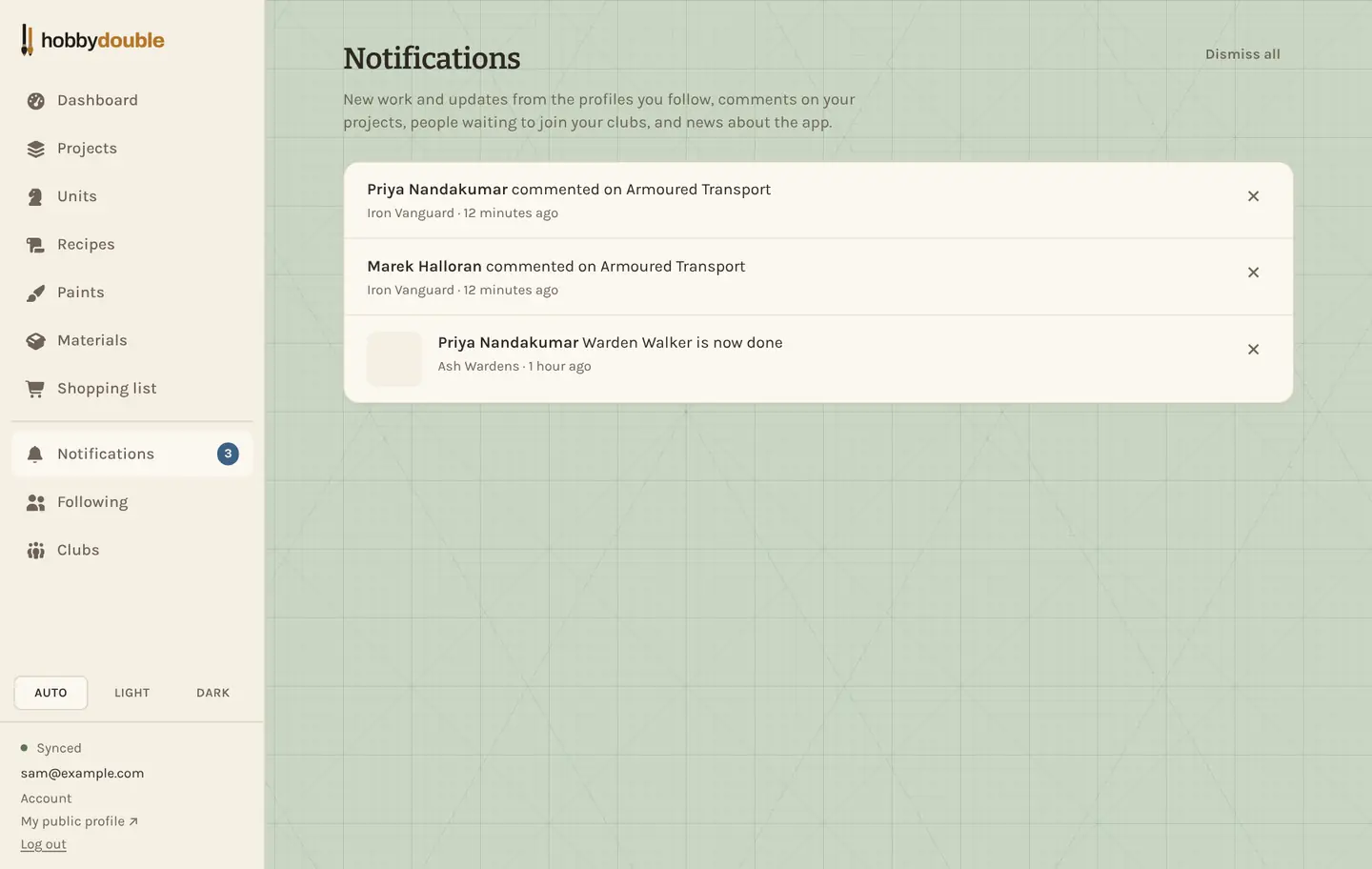
Notifications collects, in one list:
- new photos and updates on projects published by people you follow;
- units reaching a new stage on those projects;
- comments on your projects, and replies in threads you have written in;
- people asking to join a club you run;
- news about Hobby Double itself.
A burst of photos arrives as one line, not one per photo. Press × to dismiss a line, or Dismiss all. Nothing is emailed to you.
Screenshots show a sample account. Every name in them, from units and factions to paint brands and shops, is made up for these guides.