Shopping list
Stop buying a third pot of the same red: everything you need, grouped by shop.
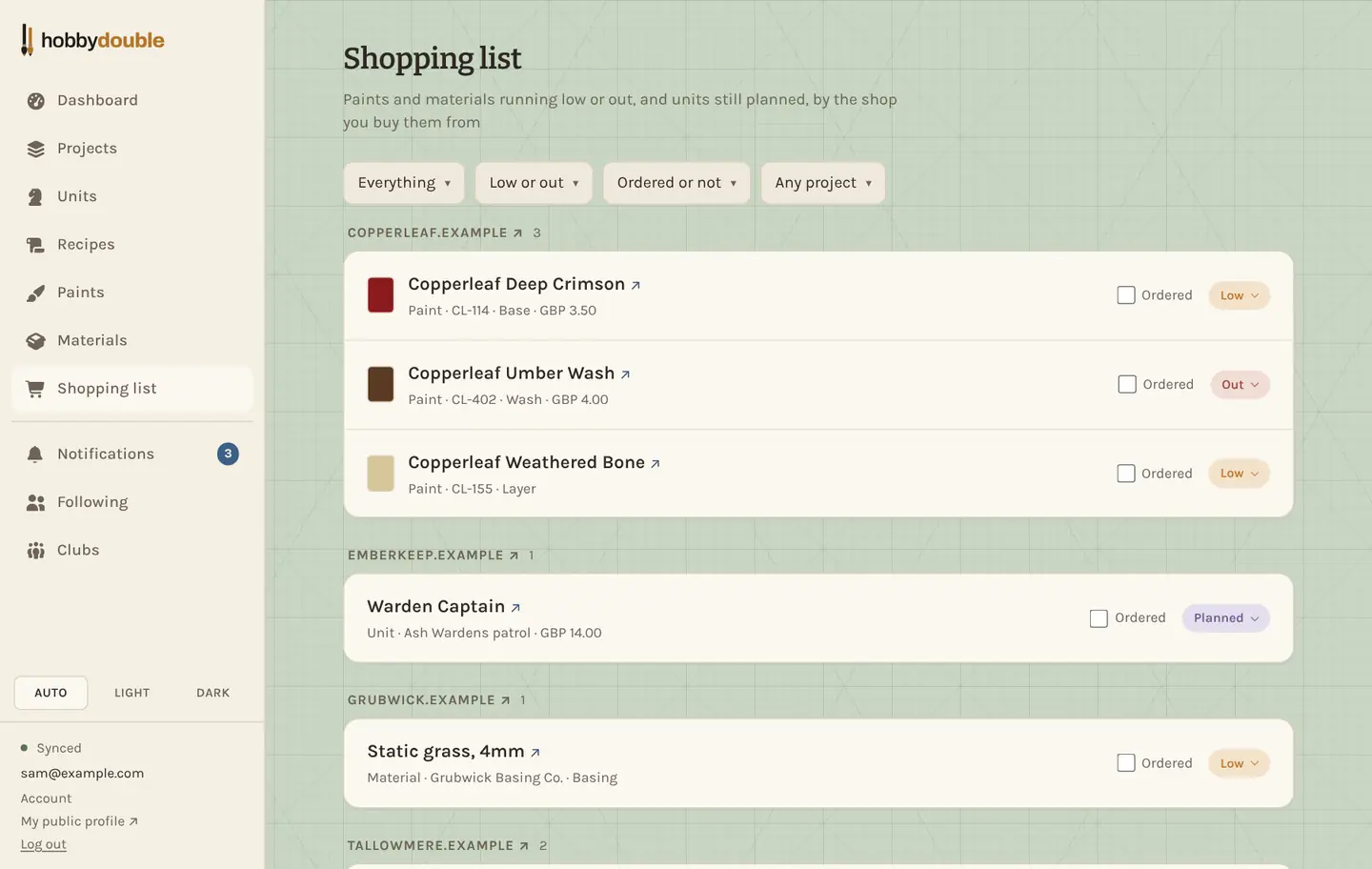
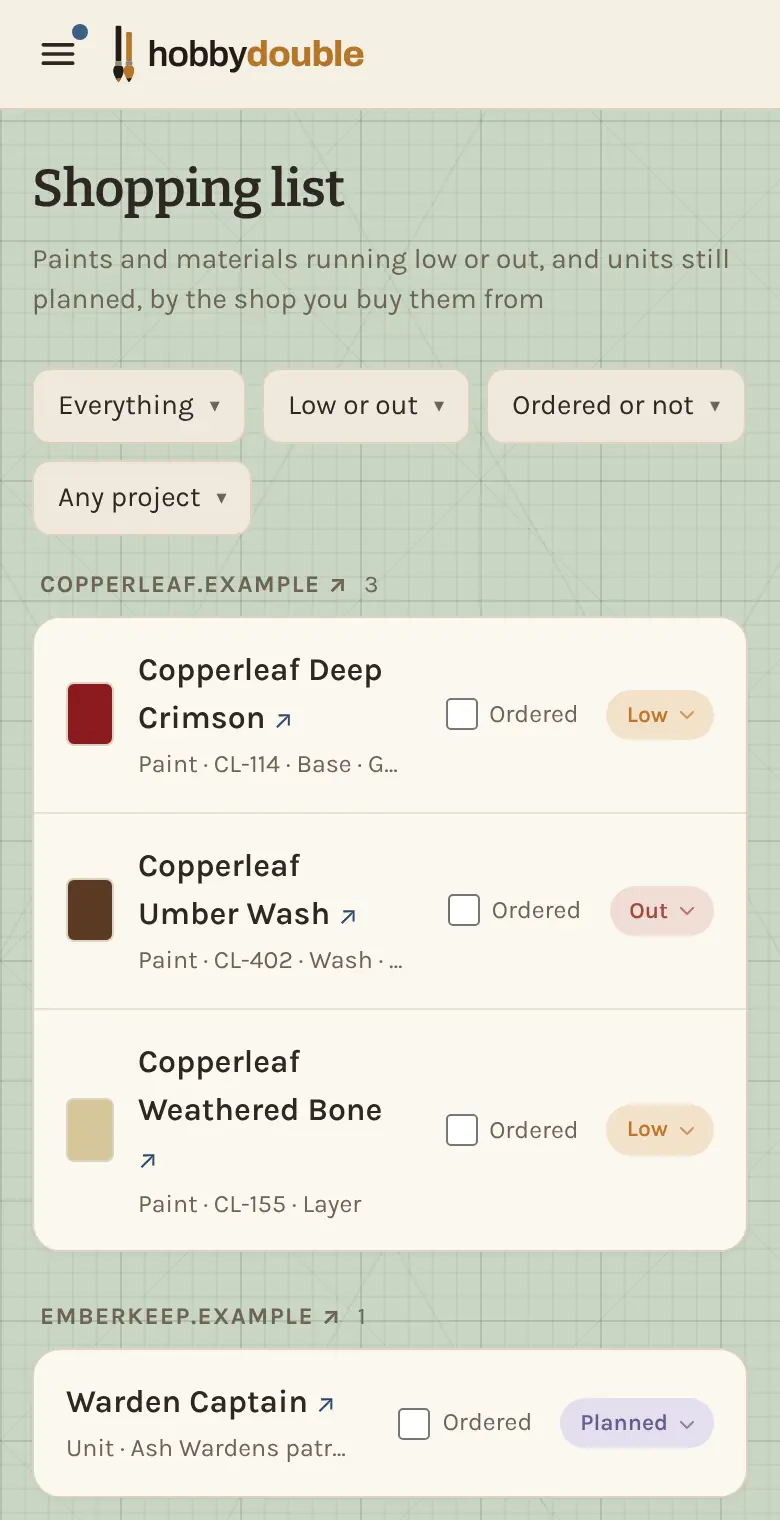
The Shopping list is the list to check before you go to the shop, and it writes itself. It shows every paint and material marked Low or Out, and every model you plan to buy, grouped by the shop each one links to.
Use it
- Give your paints, materials and planned units a shop link. That is what groups them, so everything from one shop sits together.
- When you place an order, tick Ordered on each line. Filter by Ordered or not to see what is still to buy.
- When it arrives, change the stock back to Ok (or move the unit to In box). It drops off the list, and the Ordered tick clears itself.
Narrow it down
Show only paints, materials or units with Everything, only items that are Out with Low or out, or only the units planned for one project with Any project.
Screenshots show a sample account. Every name in them, from units and factions to paint brands and shops, is made up for these guides.