Getting started
Sign up, find your way round, and keep Hobby Double open next to the paint pots, on your phone or offline.
Create an account
- Go to my.hobbydouble.com/register and enter your first name, last name, email and a password. You can also sign in with Google, which creates the account the same way.
- Open the email we send you and confirm your address. That's it: the link opens the app and you can start straight away. Signing in with Google confirms the address for you.
Finding your way round
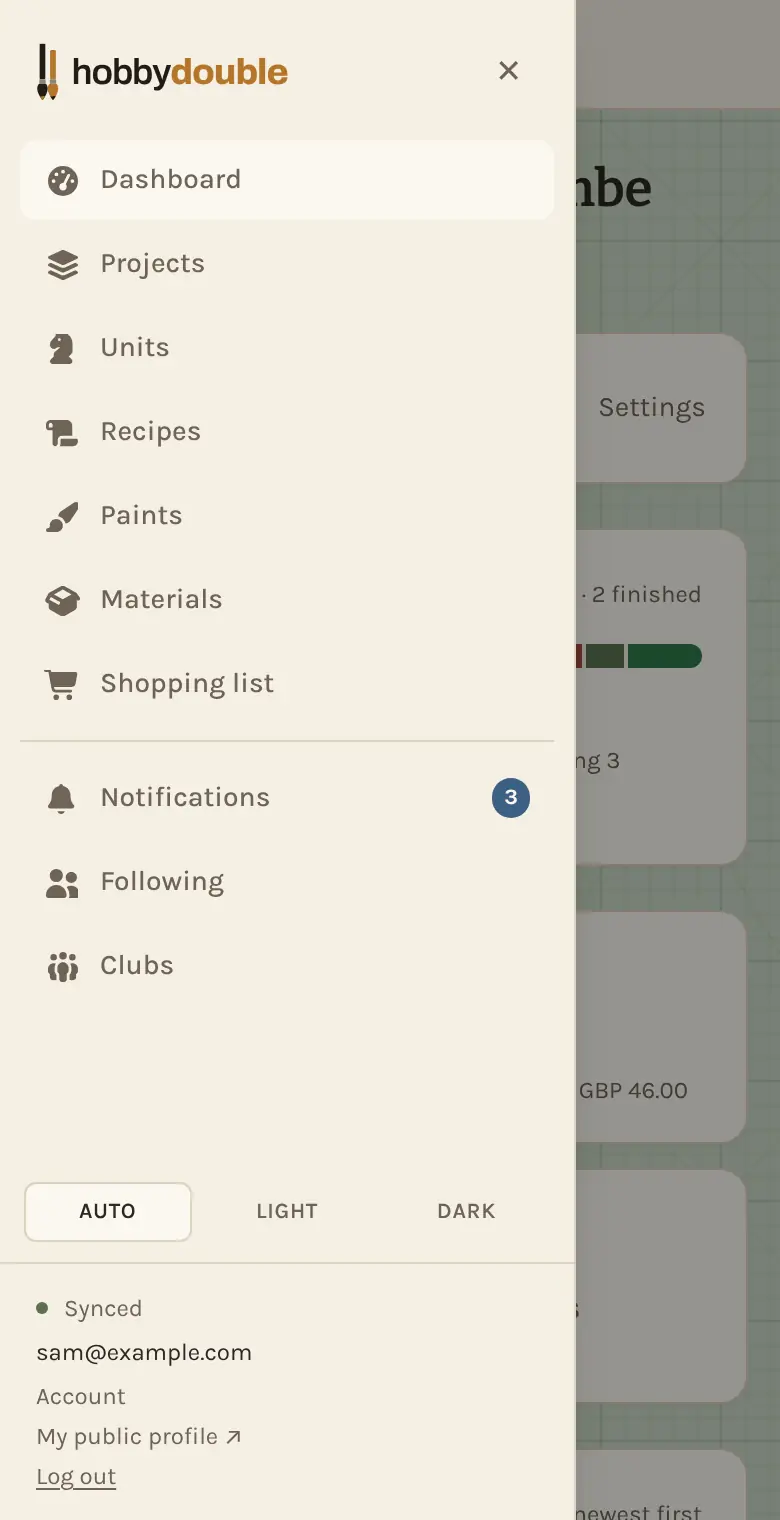
The menu down the left (or behind the ☰ button on a phone) has a page for each part of your hobby: Dashboard, Projects, Units, Recipes, Paints, Materials and Shopping list. Below them are the social pages: Notifications, Following and Clubs.
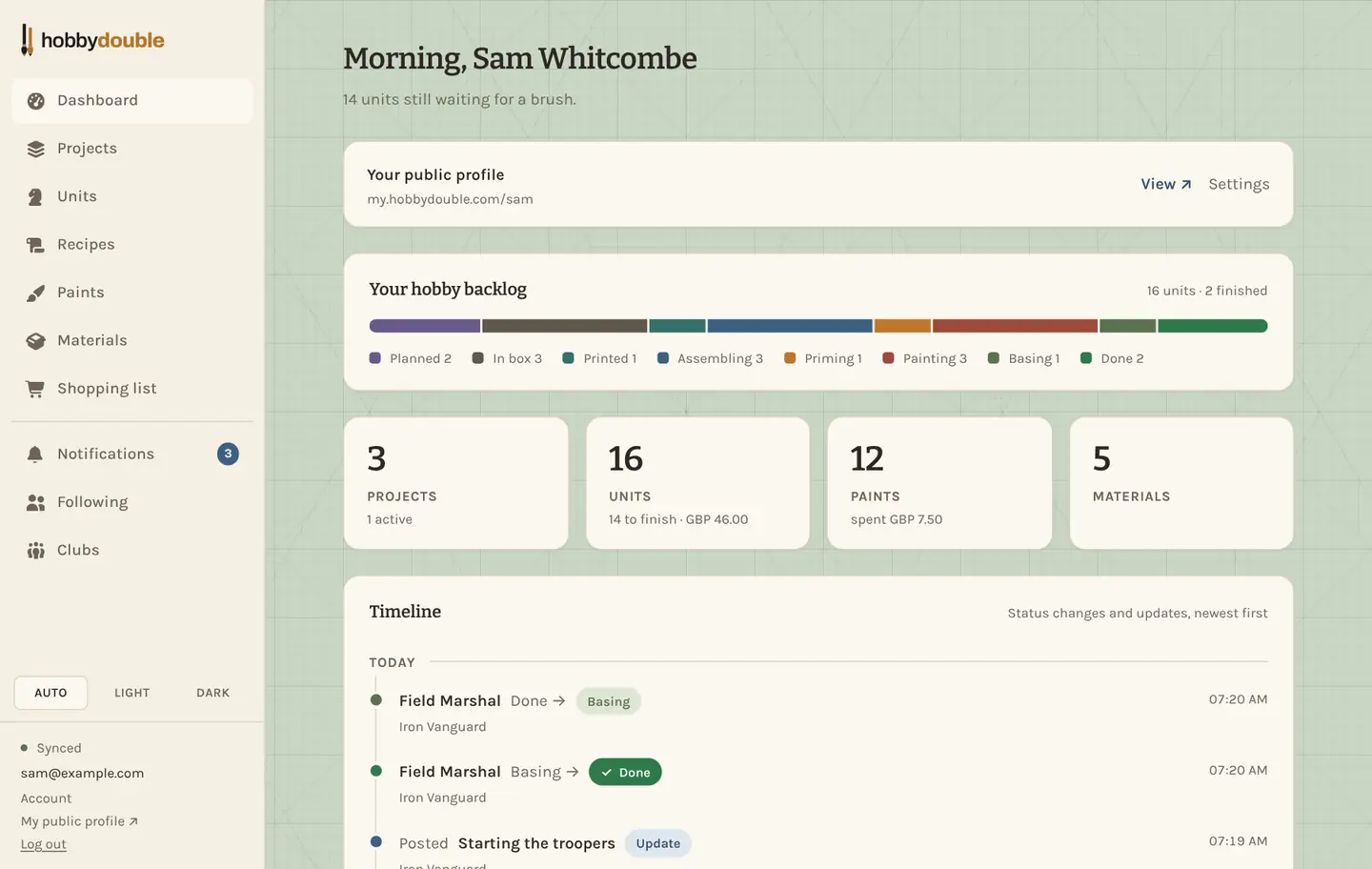
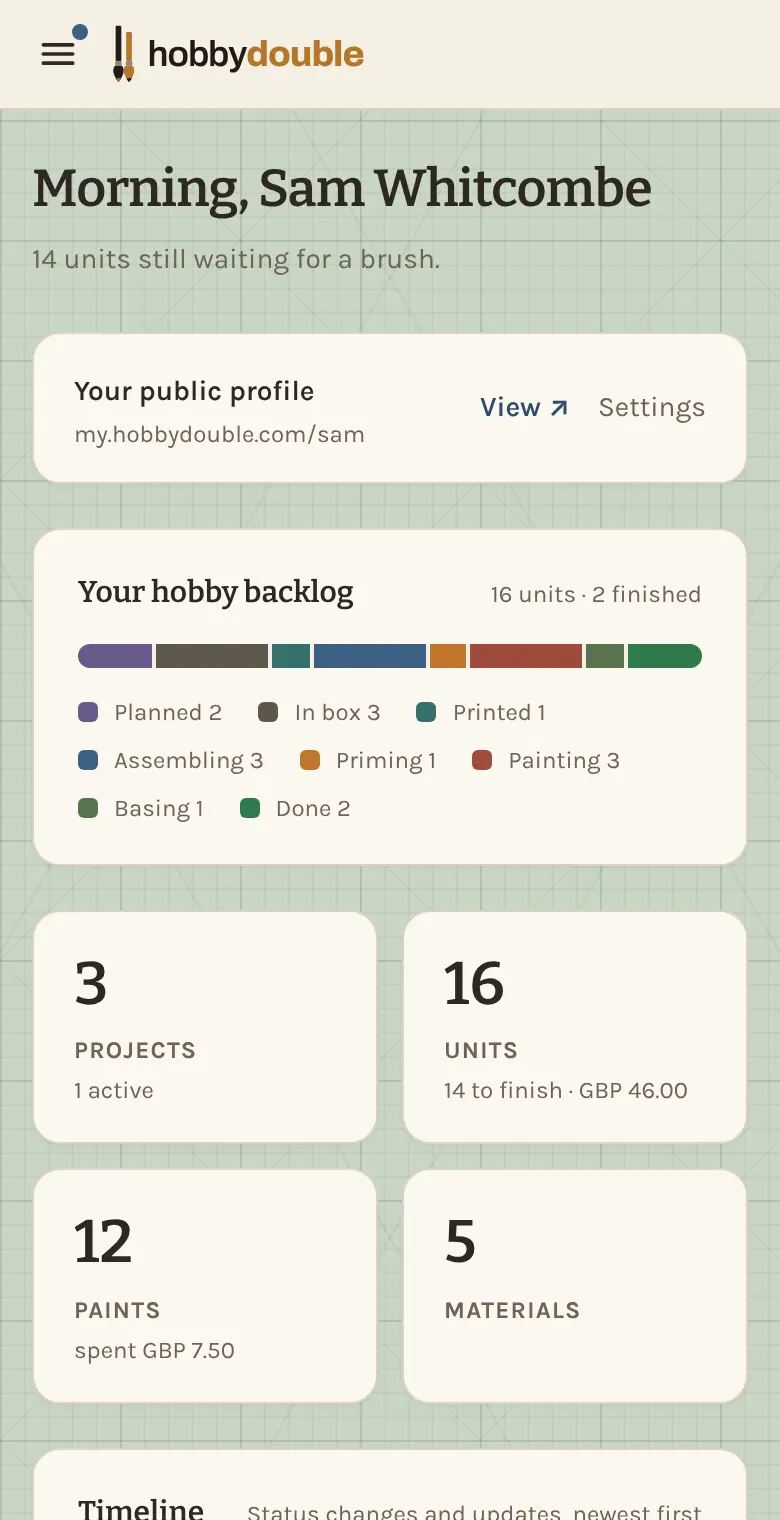
The Dashboard is the view from your hobby desk. The coloured bar is your whole pile of models, from still-in-the-box to done, so you can see how big the pile of shame really is and how much you have cleared. Below it are your totals and a timeline of what you got painted recently.
Searching, filtering and sorting
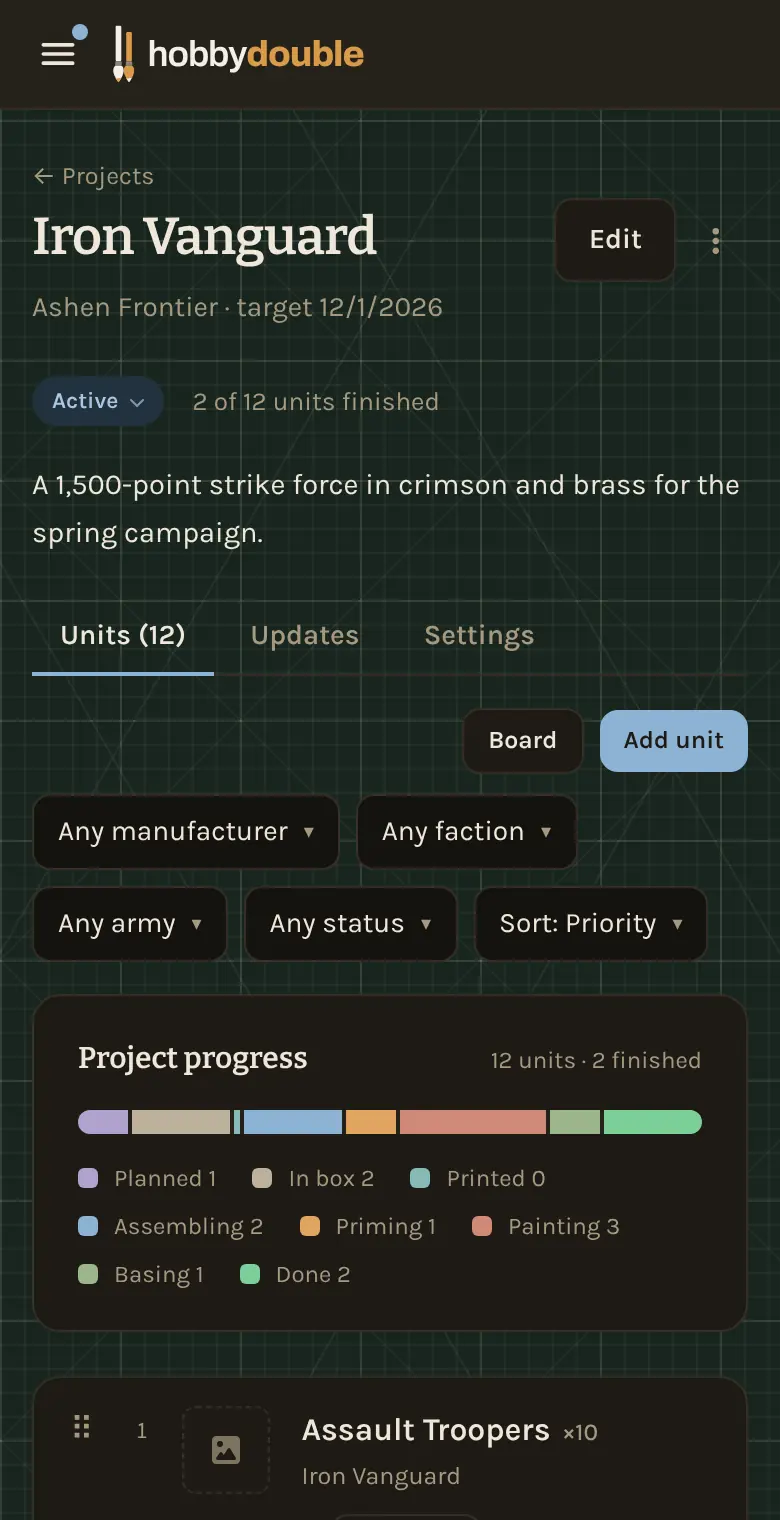
Every list has a search box, filters such as Any faction or Any stock, and a Sort menu. Hobby Double remembers the choices you made on each list, on each device, so a page opens the way you left it.
Most rows have a ⋮ menu at the end for the less common actions, such as Edit, Clone and Delete.
On your phone, and offline
Hobby Double works in any modern browser on a phone, tablet or computer. To get an app icon on your phone, open my.hobbydouble.com and choose Add to Home Screen (iPhone, from the share menu) or Install app (Android, from the browser menu).
It keeps working without a signal. Changes you make offline are saved on the device and sent as soon as you are back online. The note at the foot of the menu says Synced when everything has been sent.
Your account and your data
Click Account at the foot of the menu to change your display name and profile handle, connect an AI assistant, download everything you have entered as a file, or close your account.
Screenshots show a sample account. Every name in them, from units and factions to paint brands and shops, is made up for these guides.