Connecting an AI assistant
Mark a squad as primed without putting the brush down: just tell your AI assistant.
Hobby Double can be added to an AI assistant as a connector (an MCP server). Once it is connected you can say "I've just primed the ten Storm Troopers" or "am I out of Deep Crimson?" and the assistant updates or checks Hobby Double for you.
Connect it
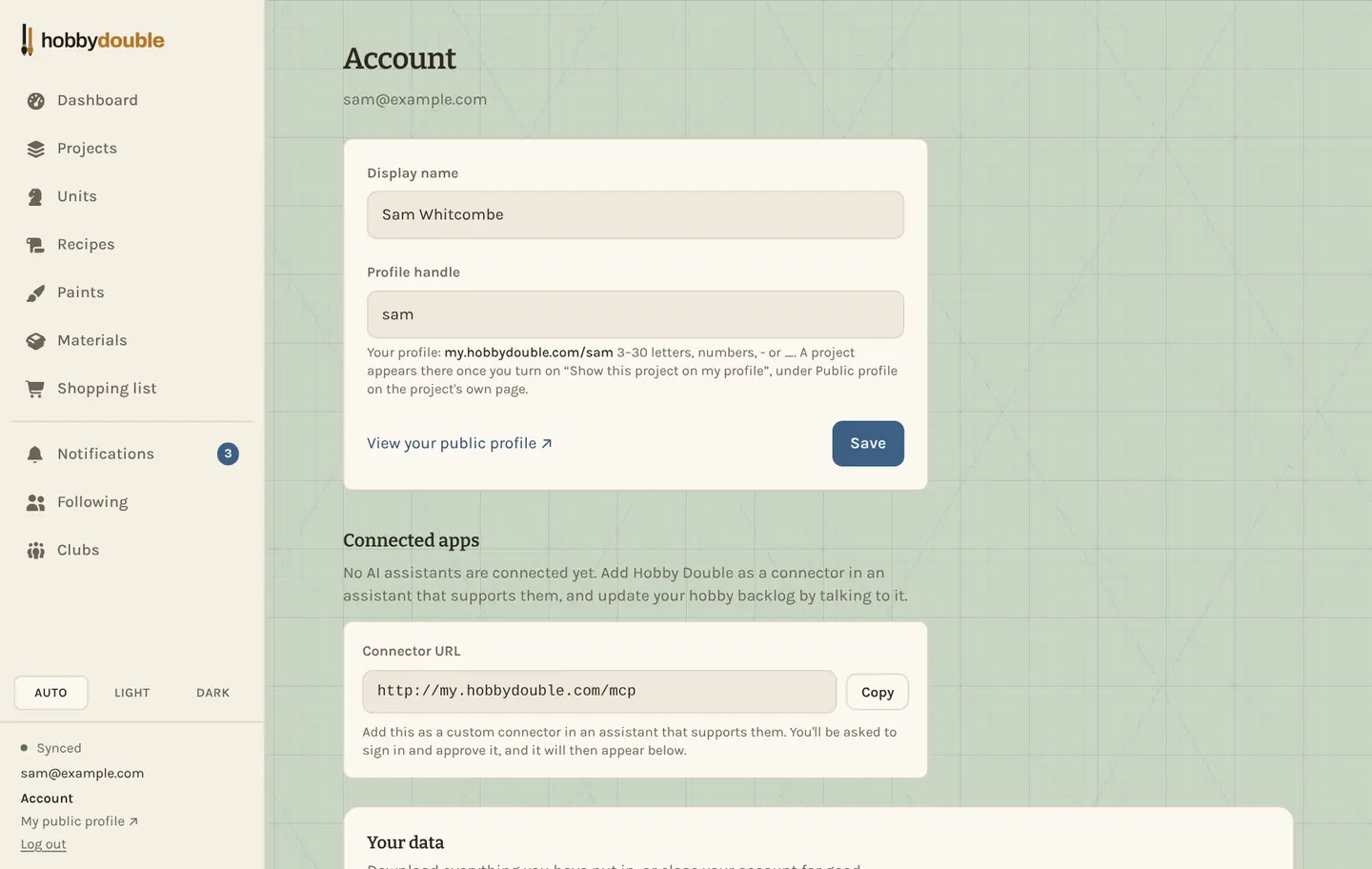
- In Hobby Double, open Account and copy the Connector URL under Connected apps.
- In your AI assistant, add a custom connector and paste that URL.
- You are asked to sign in to Hobby Double and approve the connection. Once approved, it is listed under Connected apps.
What it can do
The assistant can list and search your projects, units, paints, materials and recipes; add new ones; change a unit's stage; set a paint's or material's stock; add recipe steps; and post or edit project updates.
Disconnect it
Each connected app is listed on your Account page with a Disconnect button. Disconnecting takes effect immediately.
Screenshots show a sample account. Every name in them, from units and factions to paint brands and shops, is made up for these guides.